
Building AI Wrappers
One of the best ways to make money on the internet is to make niche AI models more accessible to the general public.

In the last three years, AI has really taken off. While everyone knows about ChatGPT, most people do not know about niche models for tasks like image editing, face swapping, video generation, music generation and other tasks which AI is getting better at everyday.
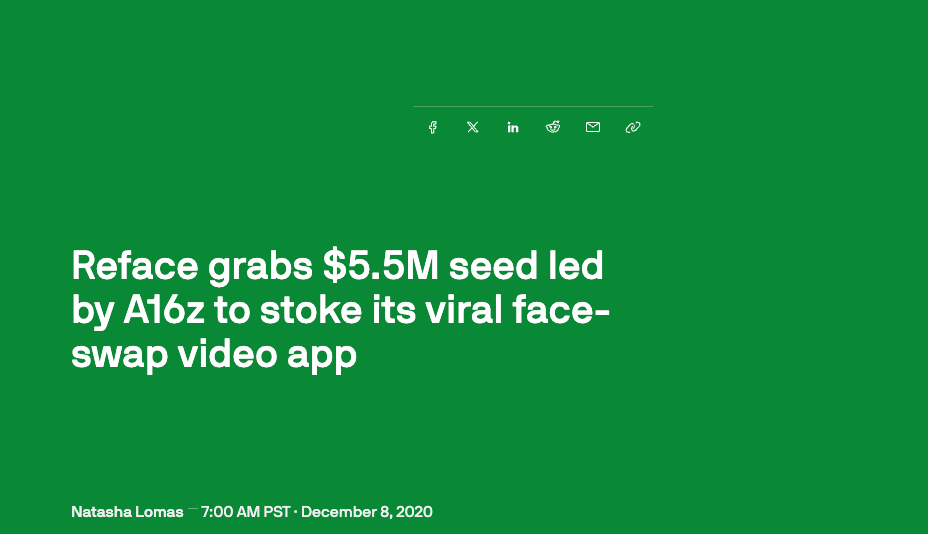
There are many examples of AI wrappers which have made a lot of money. One example is Reface, a mobile app which allows people to access face swapping technology, adding themselves to interesting scenarios.
For people familiar with image generation models and ComfyUI workflows, they can build such a workflow for themselves in a day or two. But for most people, such technology would be inaccessible without such apps.
Another good example is Umax, a mobile which gives people feedback on their appearance. It relies on the GPT-4o vision API to process people’s selfies and give them feedback on their appearance.

The goal of this article is to show how you can build a website which is an AI wrapper. It is a great way to monetise your knowledge of niche AI models.
Our goal
For this article, I will be walking you through how I built a AI headshot generator to give you headshots for LinkedIn or your CV. There are a couple of models suited for this. We will be using the Black forest labs Kontext models, as they provide good face consistency.
Note that a similar approach can be used for pretty much any AI wrapper.
Our Tools
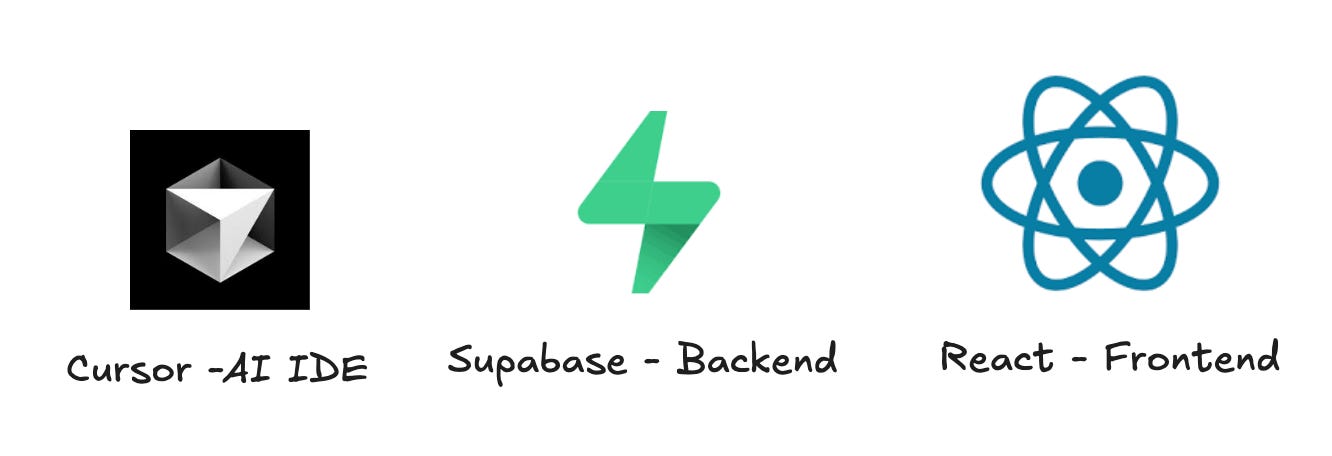
We need three basic components to build our website. First, we need an IDE. I like cursor, but claude code works equally well. You can also go for something like lovable or Bolt, but in my experience you need to port the app to cursor to finish the application. Lovable will get you 80% of the way.
Next, we need a backend. I like supabase cause it is very easy to get started with and has a generous free tier. During development, I like to spin up a local supabase instance, as it makes for quicker prototyping.
And lastly, for frontend, I like React. Note that it is better to go with mainstream components and libraries, unless you have a good reason to choose something else.
If you have not worked with Supabase or React, I also recommend reading a bit of their documentation. In reality AI will be doing most of the work, but it really helps to understand the terminologies associated with these technologies.
You can also use something like Figma or sketch to build a design. Another cool way to design your landing page is to check examples on sites like aura or tailwind blocks. Copying or taking inspiration from these websites is a really nice shortcut if you are not a designer.
Designing your website
There are two main things you want to design. The backend and the frontend. It helps to know what you want as much as possible.
Start with the the user flow. We want to keep it as simple as possible. A single sequence of tasks which the user completes is the easiest way to start building. What does the user flow look like for us?

That is the basic user flow we have in mind for our user. Our backend and frontend needs to reflect this flow. For payments we can use Stripe, and to send emails, we can use Resend. There are guides on how to integrate these with Supabase (here and here).
For the backend, we can store the uploaded images, and the processed images in a storage bucket. Our user table can look something like this:
email_id, User_id, uploaded_image_path, processed_images, payment_status, delivery_status, Payment_time, delivery_time
You can be more concrete about your frontend by either describing what you want or uploading mockup images. I generally like to see what the AI does without being too specific. If I do not like it, I iterate a few times.
Prompting
The first prompt is where you want to summarise all your requirements. You also want to setup cursor correctly. For tips on using cursor, you can check here for some tips. An example prompt can look like:
Design a website using React and tailwind CSS for frontend, and Supabase for backend. For development, let us spin up a local instance of supabase. We want to build a AI headshot generator using the flux kontext models. The user flow should include a landing page, ask the user to upload an image, check that there is only one person in the image, ask the user to enter an email id, have stripe integration to charge the user, and send the image via email to the user.
For now, we want to just send one image to the user. Use the prompt “Create a professional headshot for linkedin of this person wearing a suit”. Refer to this website for docs on integrating the BFL kontext API: https://docs.bfl.ai/kontext/kontext_image_editing.
This should give you a good starting point, and from here you can add additional features like adding testimonials, adding a coupon code, sending more than one image to the user among other things.
Note that this prompt is fairly generic. But AI has gotten really good nowadays and can work with this. In a future article, I will talk about all the ways you can improve your prompts.
Deploying
Once you have built a website, the next thing you want to do is actually ship what you have built. Since this is a website, you want to buy a domain name. Please do not use GoDaddy. They have great marketing, but terrible pricing. I recommend buying a domain from Cloudflare or Dynadot. For this site, I bought the domain snapheadshot.ai. It cost 70 euros per year, but there are cheaper options available.
Once you have bought the domain, the next thing is to find a hosting service. I use netlify, as they have a generous free tier.
Push your code to a github repository, and connect it to netlify. It also automatically updates the website when you push changes to the code.
A Note on Security
There are a few common security flaws you might run into. First thing is API keys or secret keys in publicly exposed code or console logs.
Another common issue is misconfigured DNS settings, allowing bad actors to take over your website.
A third issue is exposed data via public URLs. Make sure that your database containing images or email ids cannot be accessed through public URLs.
I am not a cybersecurity expert, so this is not an exhaustive list. But these three issues are the most common ones in my experience. Keep an eye out for them, and use AI to check for these issues. This alone will put you ahead of most vibe coders.
Is this going to make any money?
I built this website a month back. But I hardly made any money from this website. Why you might ask? Because building is easy now with AI. Marketing is still hard. You can try ads, posting on reddit, posting on product hunt. But making money from B2C SaaS is extremely hard these days.
That being said, if you like building, and already know people who might be customers, it is a great time to build these tools. My goal with building snapheadshot.ai was not only about making money, but also to learn how to build a full fledged product.
Don’t expect to get rich overnight with this recipe. I am planning to ramp up marketing for snapheadshot with a mix of SEO and ads. Follow to stay updated.